Schedule Share

Find a time that works for your group

Share a schedule, collect everyone's availability, and compare the times that work best.

1

Create a schedule

Choose an availability grid or suggest a few time options.

2

Share the link

Participants can respond without creating an account.

3

Compare and decide

See where your group's availability overlaps, then confirm a time.

Schedule Share for mobile

Your group schedule, wherever you are

Create and manage schedules on your phone, join with a shared link or schedule code, and find a time that works wherever you are.
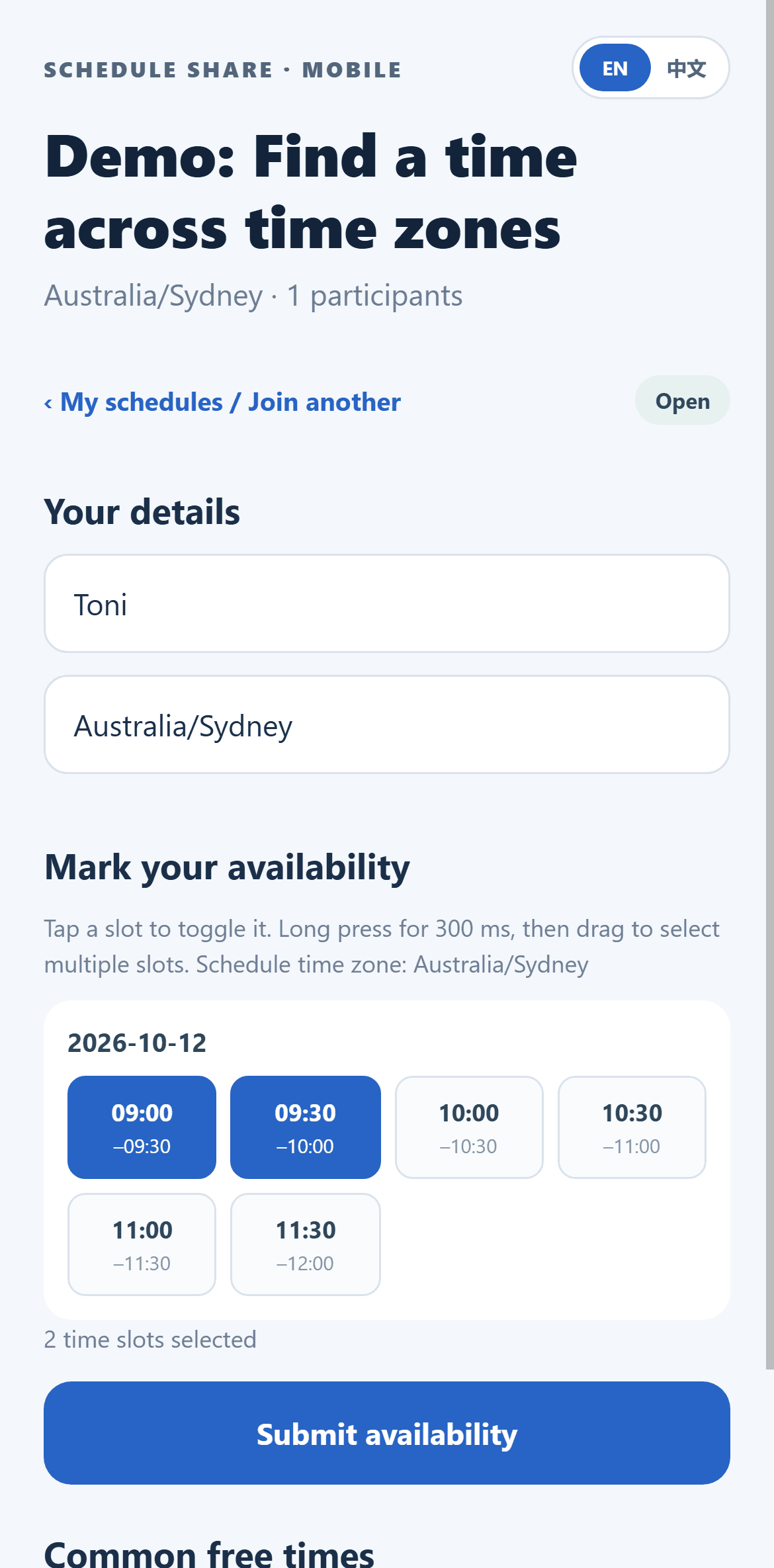
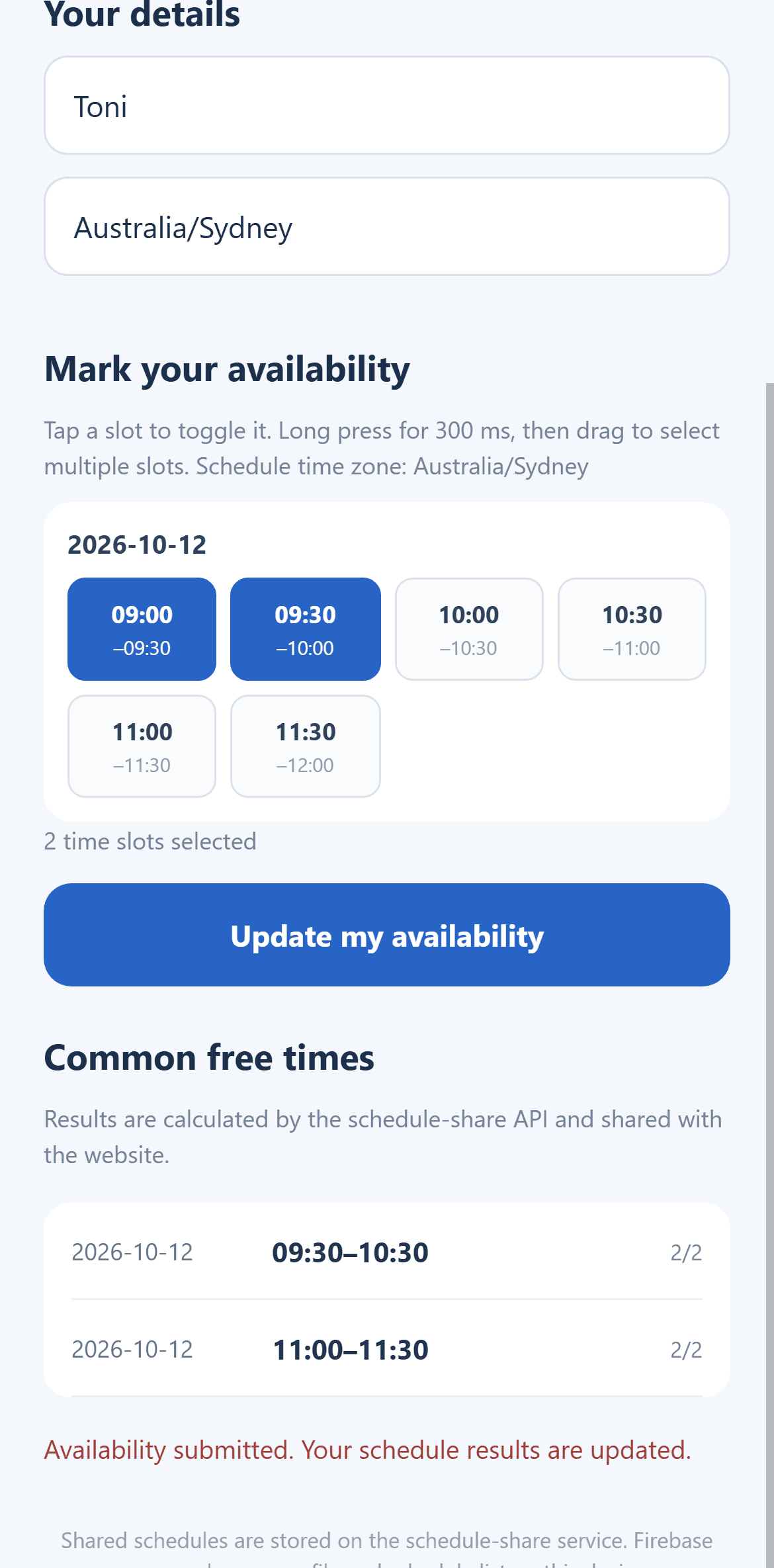
  • Create and manage on the goSet up a schedule, review responses, and keep your event moving from your phone.
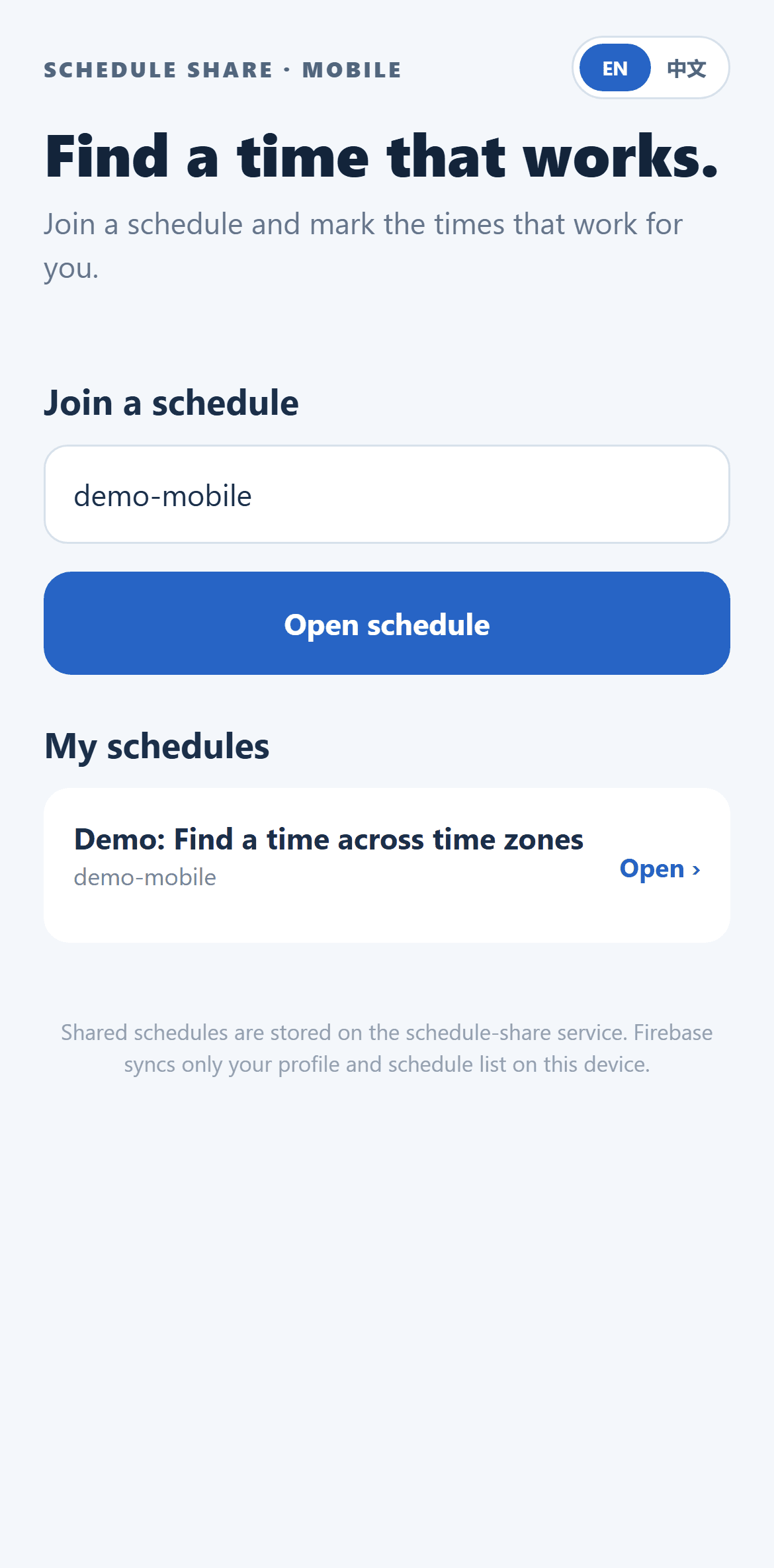
  • Join from a shared linkPaste an invitation link or enter a schedule code to open a schedule in the app.
  • Find the time that worksTap or drag across time slots, compare the overlap, and return to recent schedules.
Schedule Share mobile screen with selected availability time slots
Mark your availability
Schedule Share mobile screen showing common free times
Compare common free times
Schedule Share mobile screen with a recent schedule ready to open
Pick up where you left off